
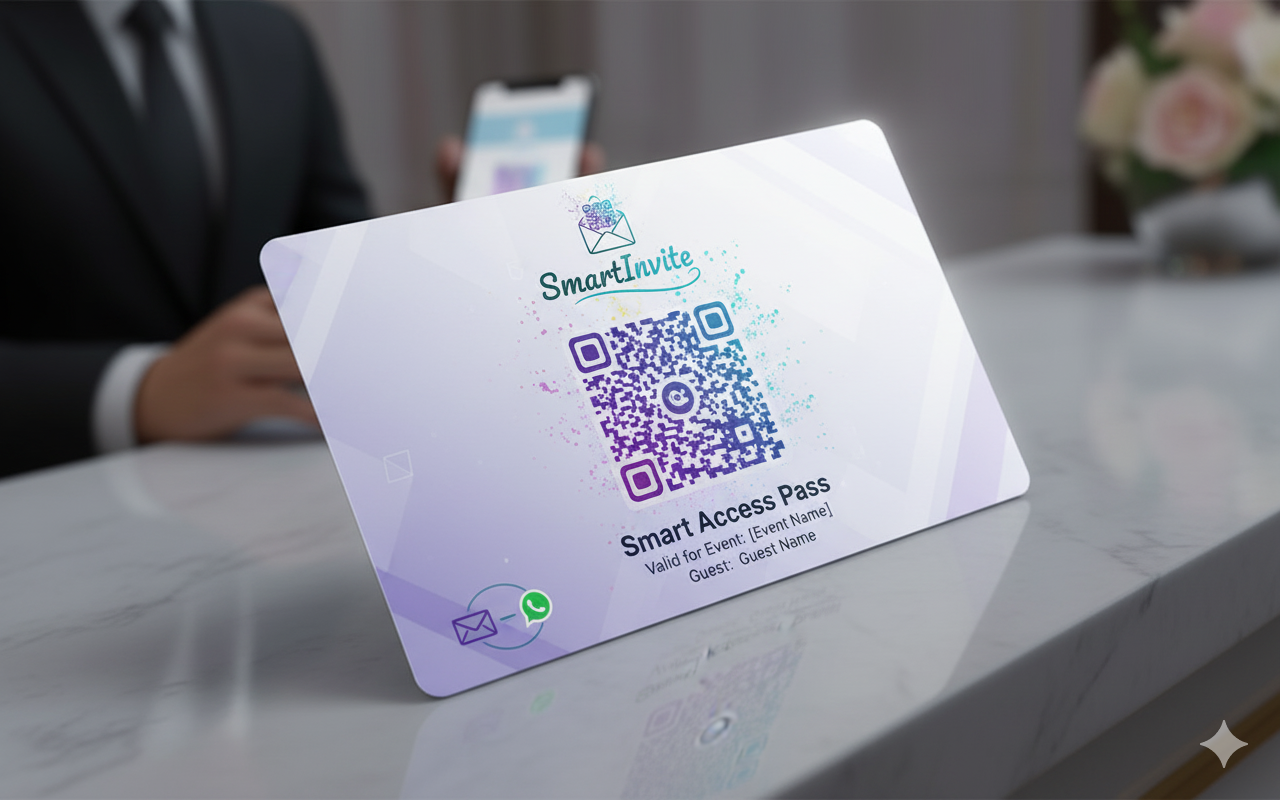
From guest list to guest table: create your event, collect RSVPs, send every guest a personal invitation with their own QR code, and check them in at the door. Follow these 10 easy steps.
1
Create your free account
Sign up with your name, email and password. Your dashboard lists your events, and each one has an Menu with everything you can do for it.
2
Create your event
Click Add Event and enter the name, date, time, venue and dress code, then pick a package. The package is paid once per event and sets your guest limit and features. The Free package covers up to 100 guests.
3
Select or design your invite template
Open Template, choose your event and pick a ready-made design or upload your own. Place the guest's name and QR code where you want them.
4
Add your guests to the guest list
Add guests one by one, or upload your list from Excel or CSV. Only the name is required: add a phone number for WhatsApp, an email for email, and a table number if you are seating guests.
5
Send RSVP and track responses
On the Send page choose RSVP to send each guest their own link by WhatsApp or email, or copy the open RSVP link to share anywhere. Replies show on your event as they come in.
6
Update the guest list and send invites
Keep the guests who are coming, then choose Invites on the Send page and click Start sending invitations. Each guest gets a personal invite with their own QR code by WhatsApp and email, and sending carries on even if you close the page.
7
Download your invites
Want to share some yourself? Download Invites gives you every invitation in one ZIP file, ready to print or forward.
8
Check in guests at the door
On the day, open scan.smartinvite.net on any phone and scan each guest's QR code. A used code is refused, and Checked-in Guests shows who has arrived in real time.
9
Guests take their seats and enjoy
Guests sit at the table number shown on their invite, so there is no queue at a seating chart. Sit back and enjoy your event.
10
Say thank you
Send a thank-you message by email and WhatsApp from your event, or tick the option when you set up the event to send it automatically the morning after. If guests were checked in, only they are thanked, and no one is thanked twice.
Why Choose SmartInvite?
SmartInvite combines beautiful invitation design with secure check-in. Every guest gets a personal QR code, so only invited guests get in, and each code works once. You pay once per event, with clear pricing up front, and everything from RSVPs to thank-you messages runs from one place.
Whether you're planning a wedding, corporate event, birthday party or any other gathering, SmartInvite gives you the tools to invite your guests, collect RSVPs, manage the door and review attendance, on your computer or your phone.
Ready to Take Control of Your Guest List?
Create your first event and start sending beautiful, secure invitations today.
Start Sending Invites Now